Key Takeaways
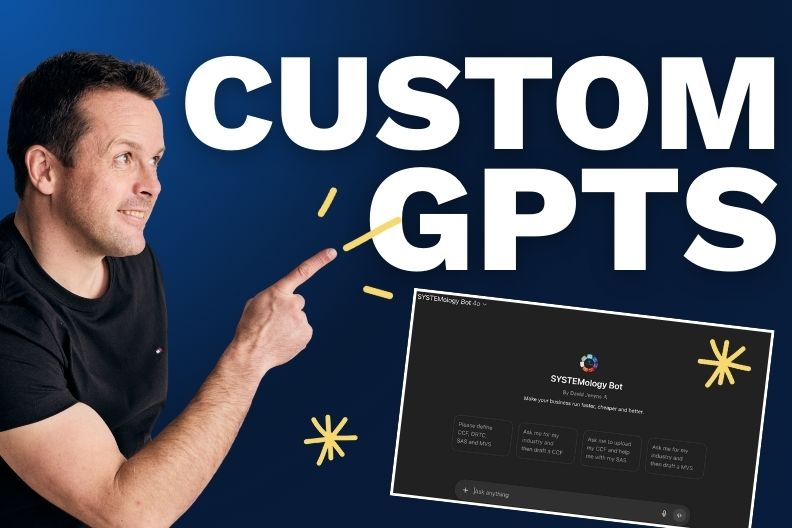
- A custom GPT is a pre-configured assistant that gives your team consistent outputs without writing prompts from scratch.
- Use an AI assistant builder to generate the instructions for you. No prompt engineering required.
- Build once, then add the GPT link to your process documentation so your whole team can use it.
- Start with one repetitive task and expand from there.
To build a custom GPT for your business, start by identifying a repetitive task where AI could help. Then use an AI assistant builder to generate the instructions, paste them into ChatGPT’s GPT creator, test the output, and share the link with your team. The whole process takes minutes, and you don’t need any prompt engineering skills.
Most business owners know AI could save them time. The problem? They open ChatGPT, stare at a blank box, and don’t know what to type.
According to the U.S. Chamber of Commerce, 58% of small businesses now use generative AI, but half of non-adopters say they simply don’t know where to start.
Here’s the shortcut they’re looking for.

Why Custom GPTs Beat Generic ChatGPT Prompts
A custom GPT is a pre-configured assistant with instructions already baked in. Your team pastes an input, hits go, and gets a consistent output. No clever prompting required.
Research from the Adecco Group found that AI users save an average of one hour per day. Custom GPTs multiply those savings by removing the trial-and-error phase. Your team stops guessing and starts doing.
The challenge has always been writing good instructions. That’s where most people get stuck.
The 5-Step Shortcut to Building Custom GPTs
This process from SYSTEMology founder and author, David Jenyns, works whether you’re using ChatGPT, Google Gems, Claude, or another platform.
Step 1: Spot the Opportunity
Look at your existing systems and processes. Ask yourself: where could AI do a step faster or better?
Common opportunities include turning testimonials into social posts, drafting client emails, summarizing meeting notes, writing job ads, and creating onboarding checklists. The more you look, the more you’ll find.
Step 2: Define the Purpose
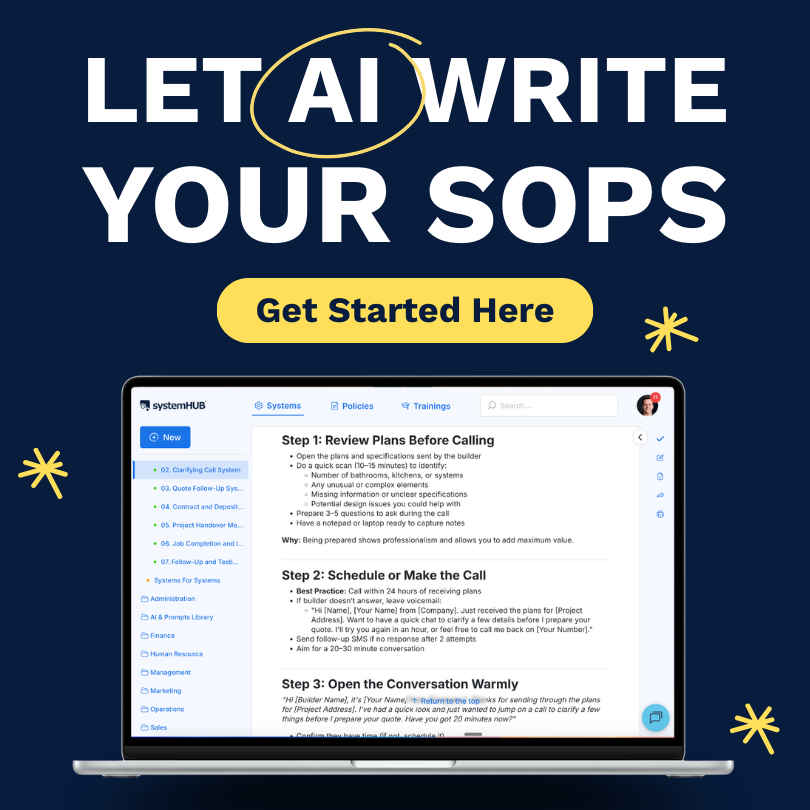
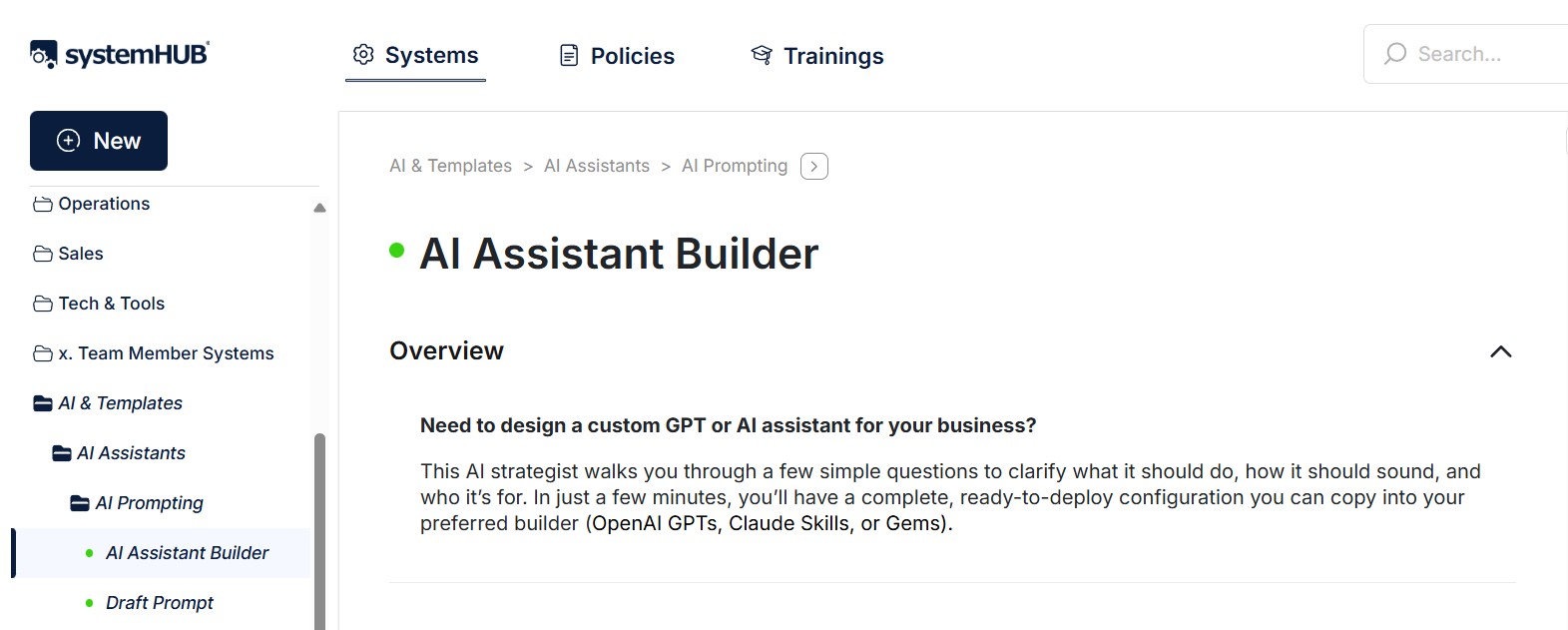
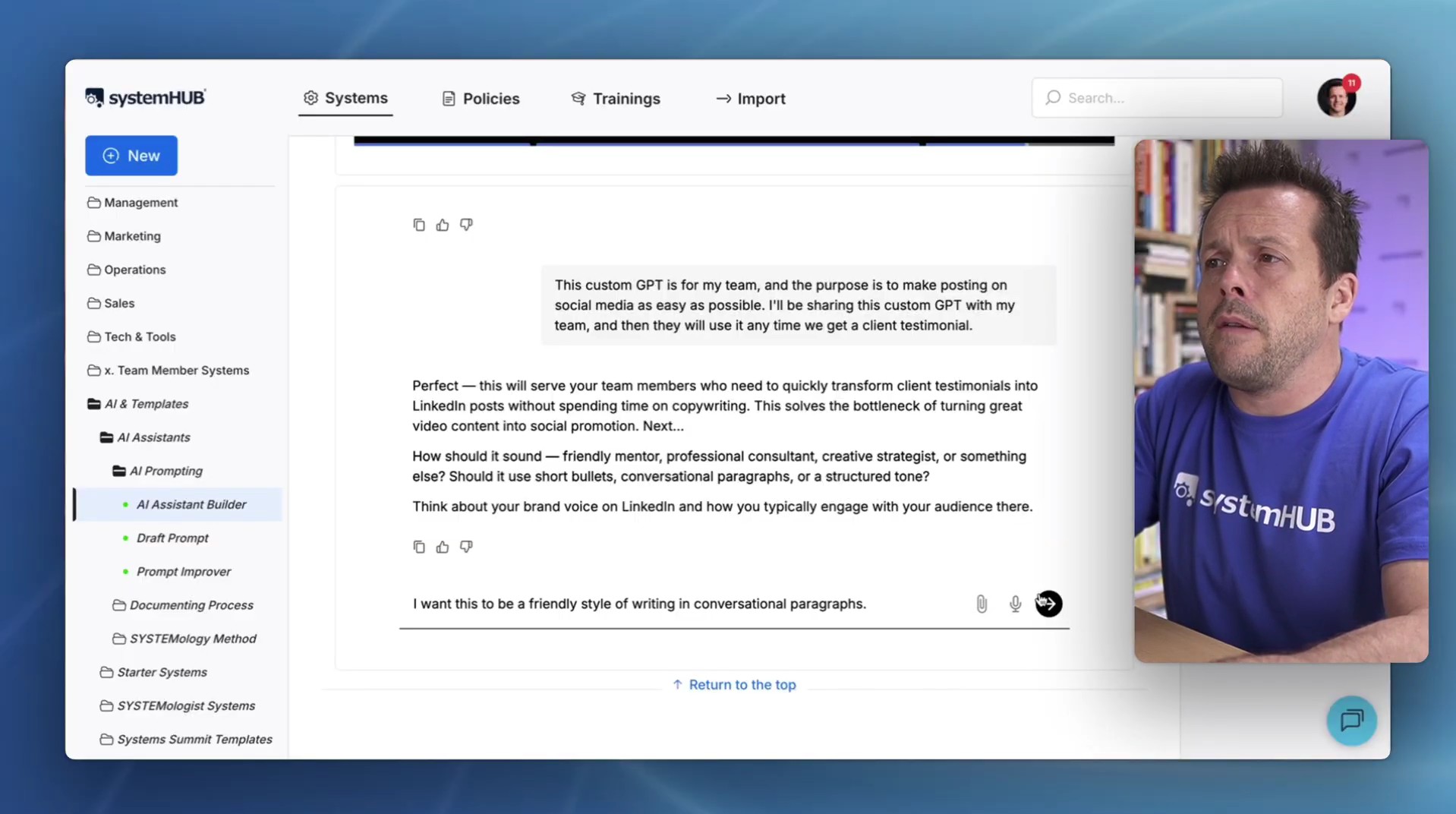
Instead of writing custom instructions yourself, use an AI assistant builder. In systemHUB, for example, you tell the builder what you want the GPT to do. It asks clarifying questions about your audience, tone, and desired output. Then it follows best practices and writes the instructions for you.
Jenyns recently demonstrated this by building a GPT that converts client testimonial transcripts into LinkedIn posts. He told the builder the task, answered a few questions about writing style (friendly, conversational paragraphs) and purpose (make social media posting easy for the team). Within minutes, it generated the full set of custom instructions, complete with role definitions, step-by-step logic, and formatting guidelines.
Step 3: Copy and Paste the Instructions
Take the generated instructions and paste them directly into your GPT builder. In ChatGPT, navigate to “Create a GPT,” add the name, description, and instructions.
If you have supporting materials like brand guidelines or writing samples, attach them. But for most use cases, the generated instructions are enough to get started.
Step 4: Test the Output
Run a real example through your new GPT. Paste in an actual transcript, document, or input and check the result.
Does it give you what you need? If something’s off, tweak the instructions or add more context. The goal is a working first version, not perfection.
Step 5: Share It With Your Team
Add a link to the custom GPT inside your existing process documentation. When a team member reaches that step, they click the link, paste the input, and get a consistent result. No need for training or re-explaining! That’s the power of having working systems.
What Makes This Approach Different
You’re not learning prompt engineering here; you’re letting AI write the prompts for you.
OpenAI reported that users created over 3 million custom GPTs within two months of launch. The businesses getting results aren’t writing instructions from scratch. They’re using templates and builders to skip the hard part.
This is systems thinking applied to AI.
Build It Once, Then Hand It Off.

Custom GPTs remove the guesswork from AI. Your team stops asking “how do I prompt this?” and starts following a system that works.
Pick one repetitive task. Build the GPT. Add the link to your process documentation. That’s the whole playbook.
Get started at systemhub.com/go.
For an in-depth discussion on how to build custom GPTs to eliminate repetitive, admin work, get access to David Jenyns’ Creating Custom GPTs masterclass.