Your team does the same jobs every week. They turn a client testimonial into a social post. They write up the same kind of email. They reformat the same notes. Each time, someone opens ChatGPT, types a fresh prompt from memory and gets a slightly different result.
The fix isn't a better prompt. It's a custom GPT: an assistant with the instructions already built in, so anyone on your team can paste in the input and get a consistent output. The catch has always been writing those instructions well. Most business owners don't have the time to become prompt engineers. They shouldn't need to.
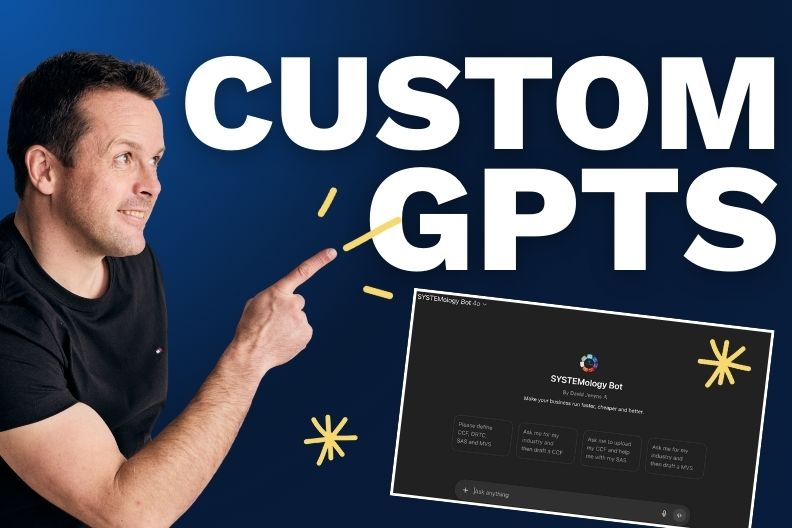
In this short walkthrough, David Jenyns shows how to build a custom GPT for business in a few minutes by letting AI write the instructions for you. He builds a real one live, tests it and shares it with his team, then sums the whole thing up in five simple steps.
Key Takeaways
- A custom GPT is an AI assistant with your instructions built in, so your team gets the same quality of output every time.
- Find opportunities inside your existing systems: look for steps AI could do faster, cheaper and better.
- Let an AI assistant builder write the instructions. You answer its questions; it follows best practice.
- Test it with a real example before anyone else uses it.
- Put a link to the custom GPT inside the system where it's needed, so your team uses it at the right moment.
What a Custom GPT Actually Does for Your Team
A regular chat with ChatGPT starts from zero. Whoever is typing has to explain the task, the tone, the format and the context, every single time. Two team members asking for the same thing will get two different answers, because they asked in two different ways.
A custom GPT flips that around. You write the instructions once: what it's for, who uses it, how it should sound and what it should produce. From then on, your team simply gives it the input. The instructions do the heavy lifting.
In Dave's demo, the input is the transcript of a client testimonial and the output is a LinkedIn post that promotes the testimonial video on YouTube. Once that custom GPT exists, every new testimonial follows the same path. Nobody has to write a new prompt.
It's not just ChatGPT. Dave builds a custom GPT in ChatGPT, but he's clear that the process is the same on other platforms. You can follow the same steps to build a Google Gem or a Claude skill. The tool you paste the instructions into changes; the thinking behind it doesn't.
Start With Your Systems, Not the Tool
Before you build anything, you need to know what it's for. This is where most businesses go wrong with AI. They start with the shiny tool and go looking for a problem.
Dave's advice runs the other way. Look into your existing systems and processes, then ask one question of each step: where can ChatGPT help us do this faster, cheaper and better?
The more you look, the more you'll find. In Dave's words, there are hundreds of them. Turning testimonials into social posts is one small step in a marketing process. It's exactly the kind of essential, repeatable task a custom GPT handles well.
A good place to start looking is your Critical Client Flow, the handful of core systems that take a client from first contact to delivery. Those steps happen most often, so a custom GPT there saves the most time.
This is also why documenting comes first. You can't automate what you haven't mapped. If a process still lives in someone's head, there's no clear step for a custom GPT to plug into. Getting it written down is quicker than most people expect, especially when you document your SOPs with AI too.
How to Build a Custom GPT for Business in 5 Steps
Once you've picked a task, here's the process Dave follows in the video, step by step.
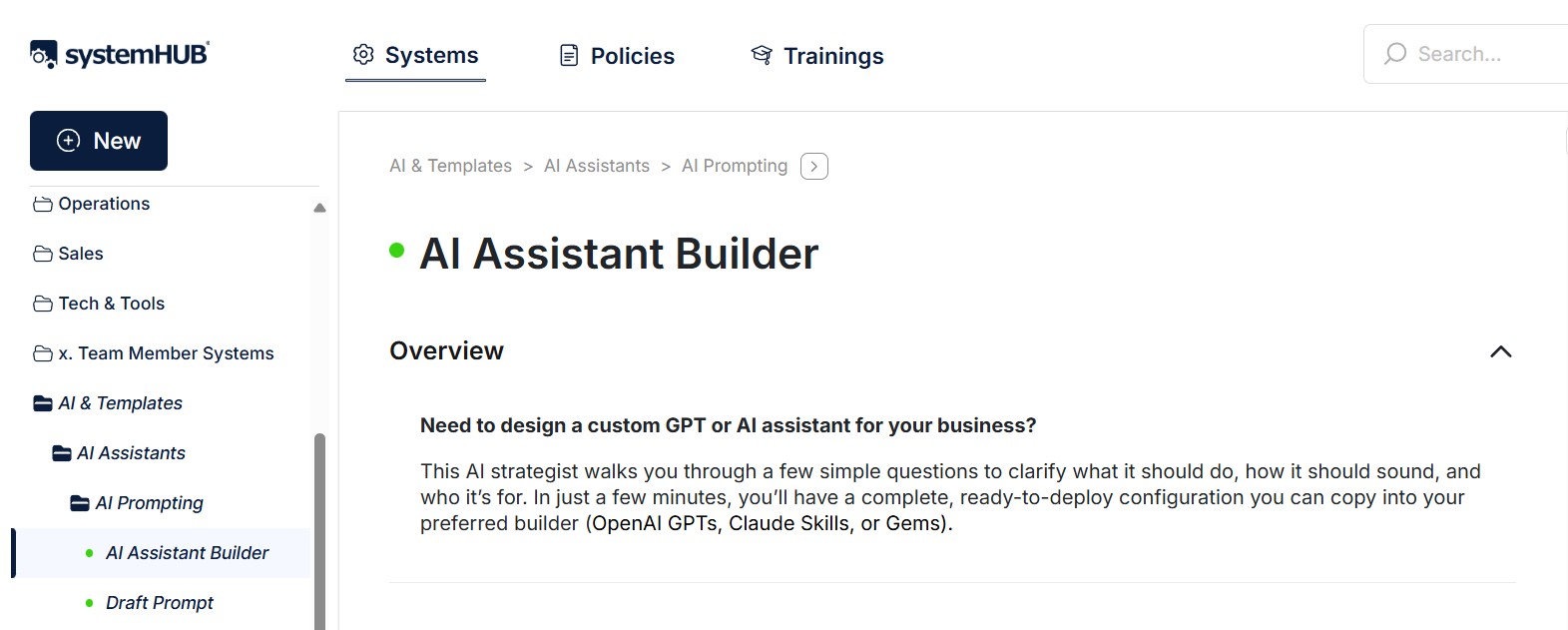
Step 1: Open the AI Assistant Builder in systemHUB
Inside his systemHUB account, Dave goes to the AI Assistant Builder. Its job is to ask you a few questions, follow best practice and write the custom instructions for you. In Dave's words, the result reads like it "might as well have been written by a world-class prompt engineer."
The first thing he tells it is which platform he's building for, in this case ChatGPT. The builder also works for Google Gems and Claude skills.
Step 2: Define the purpose and answer the clarifying questions
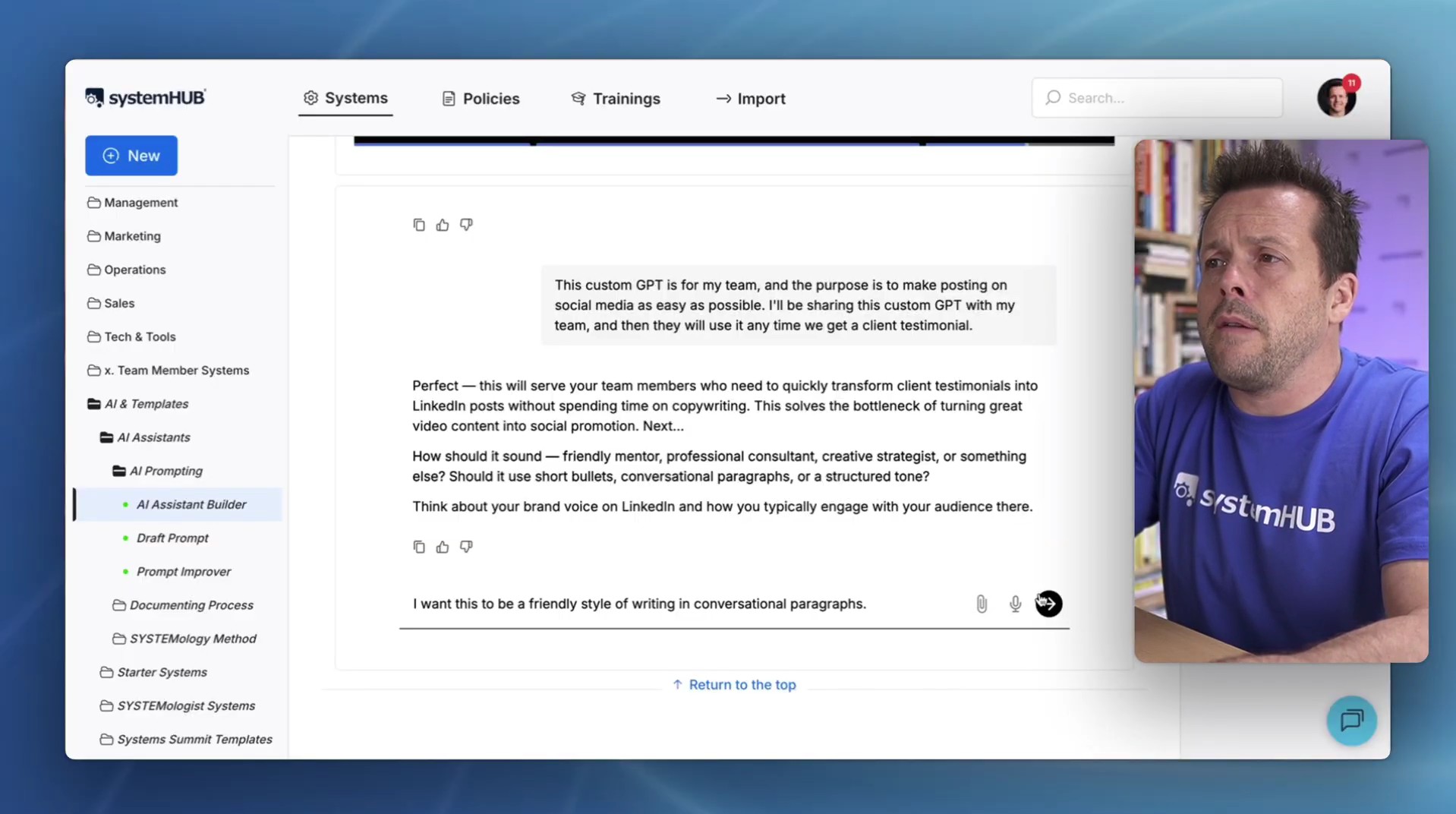
Next, describe what you want the custom GPT to do. Dave keeps it to one plain sentence: take the transcript of a testimonial, analyse it and turn it into a high-quality LinkedIn post that promotes the video on YouTube.
The builder then asks a few clarifying questions to make sure it gets it right. Here's how Dave answers them in the demo:
- Who it's for: his team. The aim is to make posting on social media as easy as possible. They'll use it any time a client testimonial comes in.
- The style: friendly writing in conversational paragraphs.
- The job: extract the key insights, craft the LinkedIn post and point back to the video.
- Best practice: he asks it to follow best practice and draw on whatever it knows about writing high-quality LinkedIn posts.
- Context: for the demo, the only extra detail he gives is that he runs a plumbing business.
You can add more if you have it, such as notes about your brand or anything else relevant. Dave's rule of thumb is simple: the more information you provide, the higher the quality of the custom GPT.
Step 3: Paste the generated instructions into ChatGPT
While the builder works, Dave opens ChatGPT, goes to custom GPTs and starts a new one. When the builder finishes, it hands back everything he needs: a name, a description and the full instructions. He copies each one straight into place.
The instructions are worth a quick read before you paste them. In the demo, the builder has:
- defined the custom GPT's role
- set the tone
- written step-by-step instructions
- covered how to create the hook
- applied best practice and brand alignment
- included examples
If you have extra material, like a guide to your writing style or more samples, you can attach it underneath. For this demo, Dave decides the instructions are enough. He adds one conversation starter, "Please post the transcript", then creates the custom GPT.
Step 4: Test it with a real example
Never hand a new custom GPT to your team untested. Dave opens it and it asks for the transcript as instructed. He pastes in a testimonial he prepared earlier and lets it run.
The result opens with a hook: "Ever tried opening a business and only hit a wall of council approvals that you didn't know existed?" It goes on to tell the story of Emma, a hairdresser of 18 years, suggests a link through to the video, adds hashtags and pulls in quotes. Dave's verdict: a fantastic custom GPT, ready for the team to use.
When you test yours, check one thing: does it give you the output you're looking for? If it falls short, go back and give the builder more information. More context in means a better custom GPT out.
Once it's created, it can be shared with the team. Every time a new testimonial comes in, the same process can be followed. No additional prompting required.
Step 5: Share it with your team
A custom GPT only saves time if people use it. The simplest way to make that happen is to add a link to it inside your existing processes.
So when a team member works through the system and reaches that step, the link is right there. As Dave puts it, they think, "Ah, okay. Now I need to use the custom GPT." Nobody has to remember it exists or go hunting for it.
Want to go deeper on custom GPTs?
Get the full Creating Custom GPTs masterclass and learn to build assistants that take repetitive admin off your team's plate.
Why Letting AI Write the Instructions Works
Writing good custom instructions is a skill. It means knowing how to set a role, control tone, break a task into steps and give the model examples to copy. That's the part that stops most business owners before they start.
An assistant builder splits the work sensibly. It brings the prompt-writing know-how. You bring the thing it can't know: how your business works, who the GPT is for and what a good result looks like. Answering a few plain-English questions is something anyone on your team can do.
That's what many owners mean when they say they want "an AI that knows our business." It doesn't take a big tech project. It takes clear answers about one task at a time, plus whatever brand notes, samples and context you can give it. If you want more ideas for where AI fits, these AI examples in business are a good next read.
Build It Once, Then Build It Into the System
Here's the thing. A custom GPT sitting in someone's ChatGPT account is a nice trick. A custom GPT linked from the right step in a documented system is a team asset.
That's the real lesson in Dave's demo. The custom GPT isn't the system. It's a tool that makes one step of the system faster. Put the link where the work happens and the whole team gets the benefit, including the newest person who has never seen it before.
It also means the knowledge stops living with one person. If the team member who usually writes the social posts is away, the next person follows the same system, clicks the same link and gets the same quality of post. That's how you reduce key person dependency, one step at a time.
Someone still needs to keep spotting these opportunities and keep the links up to date. In a SYSTEMology business, that's a natural job for your Systems Champion. And if adoption is the worry, here's how to get your team on board with systems in the first place.
The 5 steps at a glance
- Use the AI Assistant Builder in systemHUB.
- Define the custom GPT's purpose and answer the clarifying questions, so the AI builds it for you.
- Take the instructions it generates and paste them into ChatGPT (or your Gem or Claude skill).
- Test the custom GPT and make sure it gives you the output you're looking for.
- Share it with your team by adding a link inside your existing processes.
Pick one repetitive step this week and build a custom GPT for it. Test it, link it into the system and watch how much time it hands back. Then find the next one.
AI hasn't made systems less important. It's made them the foundation. Document the process first, then let the machines do the repeatable parts. Time to get to work.
Frequently Asked Questions
How do you build a custom GPT for your business?
Pick one repetitive step in an existing process. Describe what you want the custom GPT to do in an AI assistant builder, such as the one in systemHUB. Answer its clarifying questions. Paste the name, description and instructions it generates into ChatGPT's custom GPT builder. Test it with a real example, then add a link to it inside the process so your team uses it.
Do you need prompt engineering skills to build a custom GPT?
No. An AI assistant builder writes the instructions for you and follows best practice. Your job is to explain the task, who it's for, the tone you want and any useful context about your business. The more information you give it, the better the custom GPT it builds.
Does the same process work for Google Gems and Claude?
Yes. The steps are the same whether you're building a custom GPT in ChatGPT, a Google Gem or a Claude skill. Tell the assistant builder which platform you're using, then paste the instructions it generates into that platform.
How do you get your team to actually use a custom GPT?
Put a link to it inside the documented process where it's needed. When a team member reaches that step, the link is right there, so they don't have to remember the custom GPT exists. Every new input then follows the same path, with no extra prompting required.
Ready to build your first custom GPT?
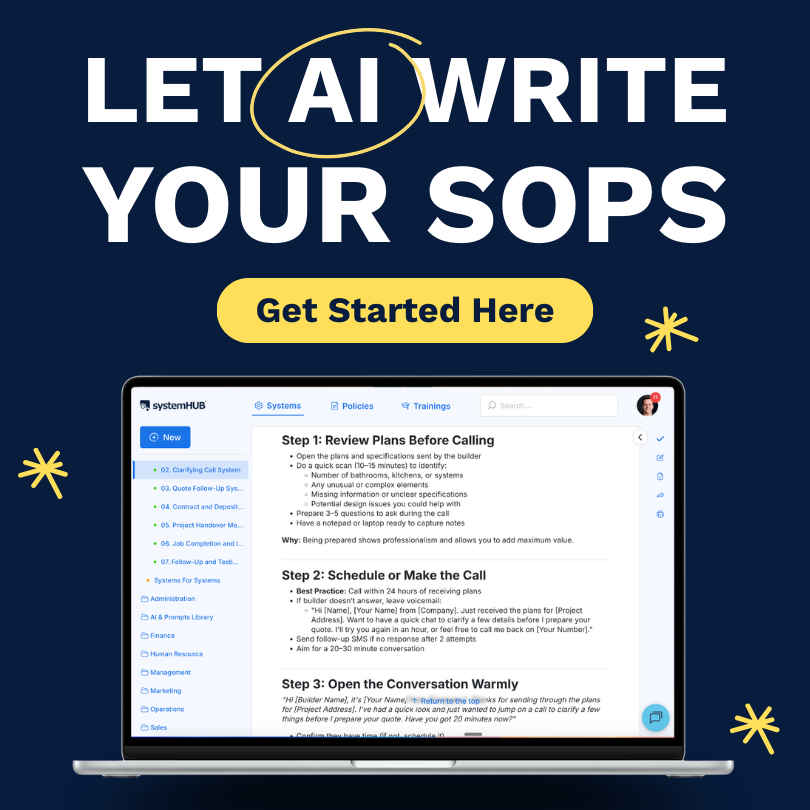
Get the AI Assistant Builder and the rest of systemHUB's AI tools that make systemising your business fast, easy and fun.