You type a quick question into ChatGPT, hit send, and get back something that sounds vaguely useful but misses the mark. Sound familiar?
Most business owners blame the AI when this happens. The truth is simpler. The output is weak because the prompt was weak. AI tools follow instructions. Vague instructions in, vague output out.
The good news is you can write better AI prompts in under a minute, even if you’ve never thought about prompt structure before. There’s a simple four-part formula that works across ChatGPT, Claude, Gemini, and any other model your team uses.
Key Takeaways
- The quality of an AI’s output is set by the quality of the prompt you feed it
- Strong prompts follow a structure: role, context, task, and requirements
- Most owners skip three of the four, then wonder why the output is generic
- A prompt-improver tool can do the rewrite for you in seconds
Why Most AI Prompts Fail Before They Start
Most people use AI the same way they use Google. Type a few words. Hit enter. Hope.
That habit made sense for a search engine. It doesn’t work for an AI assistant. Search engines pull existing pages. AI generates new content based on whatever instructions you give it. Skip the instructions and you’ll get something that reads like every other generic AI post on the internet.

Here’s a real example from a recent demo. The prompt was, “Can you write a LinkedIn post about my plumbing business?” That’s eleven words and almost no useful information. No audience, no tone, no purpose, no length. The output was exactly what you’d expect: a bland, forgettable post that could have been written for any business in any industry.
The fix isn’t to write longer prompts. It’s to write structured ones.
Stop guessing your way through AI prompts.
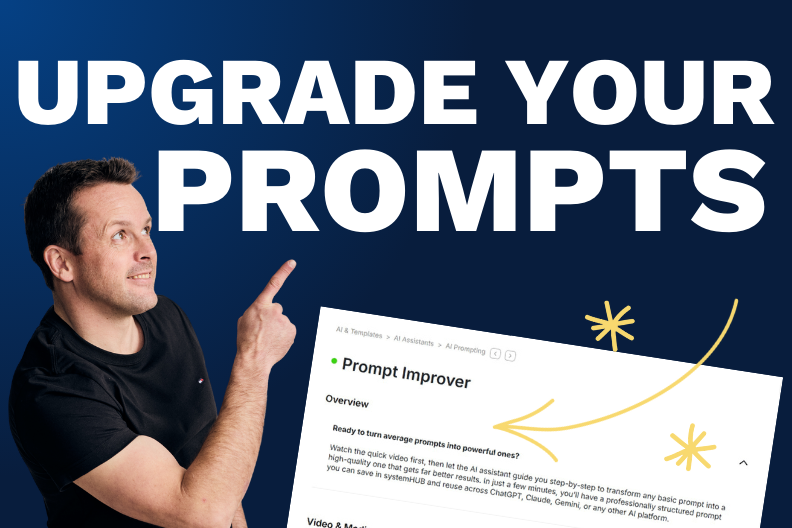
systemHUB has a built-in prompt assistant that turns rough ideas into structured prompts in seconds.
The Four Ingredients of a Better AI Prompt
Every strong prompt has four parts. Miss one and the output suffers. Get all four right and the quality jumps in a way that’s hard to believe until you see it.
1. Role
Tell the AI who it is. You are a LinkedIn content strategist. You are a senior copywriter. You are an experienced operations consultant. This single line shifts the model’s tone, vocabulary, and depth.
Without a role, the AI defaults to a generic helpful tone that sounds like a chatbot. With one, it adopts the perspective of someone who actually knows what they’re doing.
2. Context
Tell the AI about your business. Industry, size, audience, brand voice. The more specific, the less generic the output.
For the plumbing example, that means saying we run a plumbing business with a team of 15, we specialise in kitchen renovations, our tone is professional and approachable. Three sentences. Massive lift in output quality.
3. Task
State exactly what you want. Not write a post but write a 150-word LinkedIn post that opens with a hook, shares one insight from a recent job, and ends with a question that invites comments.
The clearer the task, the less the AI has to guess. And every time the AI guesses, you get something you have to rewrite.
4. Requirements
Format, length, tone, structure, hashtags. Anything a freelancer would ask before starting the job. If you don’t specify, the AI picks for you, and it usually picks wrong.
Want the rewrite without the work?
Use systemHUB’s AI prompt assistant to turn any rough prompt into a structured, ready-to-paste version.
From Lazy Prompt to Strong Prompt: A Real Example
Here’s the same plumbing post request, rewritten using the four ingredients.
You are a LinkedIn content strategist. We run a professional and credible plumbing business with a team of 15, focused on kitchen renovations. Write a 150-word LinkedIn post that balances technical expertise with approachable language. Open with a hook, share one practical tip from a recent job, suggest three relevant hashtags, and end with a question that invites comments. Format it ready to copy and paste.
Same goal. Different result. The structured version gives the AI a role, a context, a task, and clear requirements. There’s almost no room left to guess.
You can write prompts like this manually once you know the formula. Or you can use a prompt assistant inside systemHUB that asks for the basics and writes the full structured version for you. Either way works.
The point is to stop sending one-line prompts and expecting magic. For a deeper dive on the principles behind this, OpenAI’s prompt engineering guide is a solid free resource.
Common Mistakes to Avoid
A few traps catch people the first time they try this.
- Adding length without structure. A long, rambling prompt isn’t a good prompt. Structure beats word count every time. Five hundred words of context with no task statement still produces weak output.
- Skipping the role. Without “you are a [role],” the AI defaults to a generic tone. The role is the cheapest single upgrade you can make to any prompt.
- Forgetting the format. If you don’t specify length, structure, or output style, you’ll get whatever the AI feels like producing. Tell it exactly how you want the response laid out.
Make your AI work harder for you
Better prompts mean better output, less rewriting, and more leverage from every AI tool your team uses. The shift takes one small habit: never send a one-line prompt again.
Pick a task you used AI for last week. Rewrite the prompt using the four ingredients. Compare the results. You’ll see the difference in the first run.
Ready to put better prompts to work?
systemHUB gives you AI assistants, prompt templates, and a central home for every process in your business.