Your business already has systems. Every task your team performs follows some kind of process, whether it’s written down or not. The real question with SOP writing isn’t whether procedures exist. It’s whether the ones you’ve documented are actually getting used.
Most aren’t. Most standard operating procedures sit in shared drives and folders, untouched for months, while teams keep doing things their own way. Not because they’re difficult or rebellious. Because the SOPs themselves are missing the pieces that make them worth opening.
The usual SOP writing advice focuses on formatting: use numbered steps, add screenshots, pick the right template. But formatting isn’t what separates a procedure that gets followed from one that collects dust. What matters is the structure of the document itself. According to SYSTEMology founder David Jenyns, who has guided hundreds of businesses through the systemisation process, effective SOPs share seven specific structural elements. Miss any of them and you’re building another digital paperweight.
This article breaks down those seven elements, shows you what each one looks like in practice, and gives you real examples from businesses that got SOP writing right.
Why Most SOPs Fail Before Anyone Reads Them
Three problems kill most SOPs before a single team member opens them.
The wrong person wrote them. Business owners lock themselves in an office and try to document tasks they haven’t personally done in months or years. Or they hire outside consultants who know nothing about how the business actually operates. The result is procedures that feel disconnected from reality. Teams read them, recognise they don’t match how work actually gets done, and quietly ignore them.
They read like technical manuals. “Initiate the customer complaint resolution protocol” is not something any human being says out loud. Yet SOPs are full of language like this. Corporate jargon and rigid phrasing make people’s eyes glaze over. Write “Here’s how to handle an upset customer” and suddenly the same procedure feels approachable.
They try to cover everything on day one. The 47-page SOP with sub-lists, roman numerals, and screenshots of every screen is a monster that nobody wants to open. Taiichi Ohno, the father of the Toyota Production System, said it plainly: “Without standards, there can be no improvement.” But the standard needs to exist first, and it needs to be simple enough that people will actually follow it. Perfection comes later.
The deeper issue underneath all three problems is trust. People follow systems when they trust them. And trust comes from seeing that the procedure was created by someone who actually knows how to do the job well. That’s the knowledgeable worker principle at the heart of the SYSTEMology methodology: instead of writing procedures based on how you think things should be done, you extract them from the person who’s already doing them best.
“People resist being told how to do their job. But they’ll follow a system that captures their own best practices.”
— David Jenyns
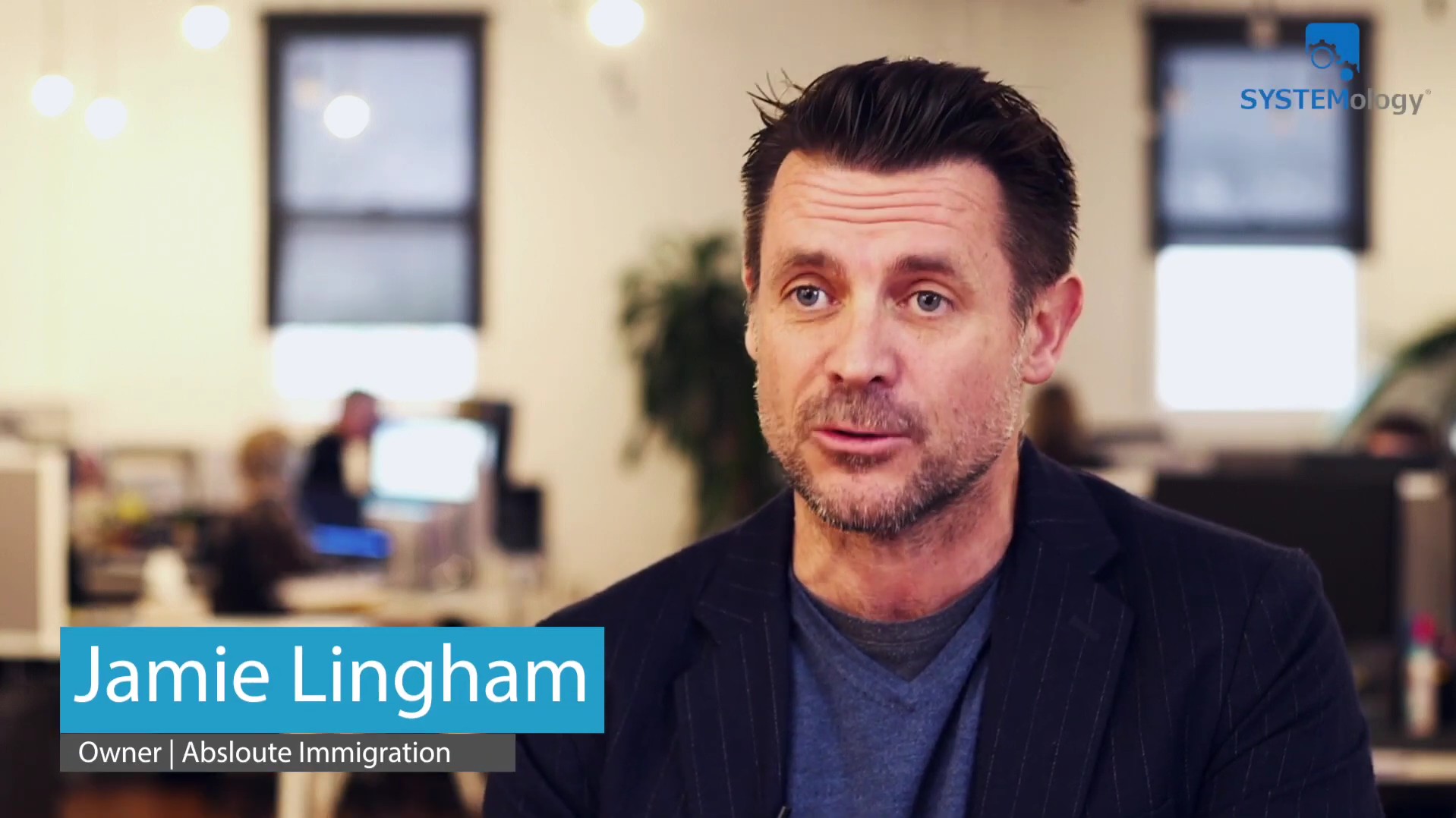
Jamie Lingham, director of Absolute Immigration, learned this firsthand. After nearly two decades in business, he discovered his company looked like five different organisations under one roof. Everyone had their own approach to visa applications, client communications, and document processing.
When Jamie tried creating SOPs himself, nothing stuck. But when he stepped back and empowered his operations manager to work with the knowledgeable workers to extract their processes, everything changed. His team started following the procedures because they recognised their own expertise reflected back at them.
What’s the real dollar cost every time your team does the same task three different ways?
Inconsistent processes lead to rework, mistakes, and wasted hours that add up fast. The free Cost of Chaos Calculator puts a number on it so you can see exactly what’s at stake.
The 7 Essential Elements Every SOP Needs
These aren’t formatting preferences. They’re the structural pieces that determine whether your team will use a procedure or ignore it.
Research backs this up. A peer-reviewed study published in Safety Science found that the highest levels of error reduction came not from rigid standardisation, but from well-structured processes that gave competent employees clear guidance while trusting their judgment. That balance between structure and usability is exactly what these seven elements create.
1. Clear Title (Verb-Driven and Searchable)
Your SOP title does heavy lifting. When someone needs this procedure in a hurry, the title is how they find it.
Start with a verb. “Processing,” “Responding to,” “Creating,” “Updating.” This immediately tells someone what action they’ll be taking. Then make it specific enough to surface in a quick search of your system database.
Bad: “Customer Issues Management Documentation”
Good: “Responding to Customer Complaints via Email”
The difference seems small. It isn’t. A clear, verb-driven title means people actually find and open the SOP instead of doing things from memory.
2. Purpose Statement (The “Why”)
This isn’t bureaucratic filler. Your purpose statement explains why this procedure matters and what happens when it’s followed correctly. One paragraph. That’s all it takes.
Example: “This system ensures customers receive prompt refunds while maintaining accurate financial records and preserving positive relationships for future business.”
Notice how that connects a specific task to bigger business outcomes? That connection is what turns compliance into commitment. When someone understands why a procedure matters, following the steps stops feeling like a chore.
💡 Tip: Write your purpose statement by finishing this sentence: “This system exists so that ___.” If you can’t complete it in one sentence, the SOP may be trying to do too much.
3. Trigger (When This SOP Kicks In)
Ambiguity here kills adoption. Make it specific: what event, situation, or condition should prompt someone to pull up this procedure?
Is it when a customer sends a complaint email? When an invoice exceeds a certain threshold? When a project reaches a specific milestone? If people aren’t sure when to use an SOP, they’ll default to doing things their own way. Every time.
Good triggers are concrete and observable. “When a customer emails expressing dissatisfaction” is clear. “When there’s a customer issue” is vague enough to mean anything, which means it will prompt nothing.
4. Required Inputs (What You Need Before Starting)
Nothing kills momentum like getting halfway through a process and realising you’re missing something essential. List everything upfront: documents, access credentials, approval levels, specific information, tools, or software logins.
This element alone prevents the “I’ll just figure it out myself” response that happens when someone hits a wall mid-process. It also saves the knowledgeable worker from fielding the same “where do I find X?” questions over and over.
“If you do what’s written in the manual and it goes wrong, that’s my fault. If you do something that’s not written in the manual, that’s your fault.”
— Ryan Stannard, Stannard Family Homes
5. Linear Steps (The Actual Process)
Here’s where most SOP writing goes wrong. Steps are either too vague (“Follow up with client”) or too granular (“Click the blue button in the upper right corner, approximately 2.3 inches from the top of the screen”).
The sweet spot is writing as if you’re explaining the process to a competent colleague. Break complex actions into logical chunks, but don’t insult anyone’s intelligence with microscopic detail.
Good step: “Send a follow-up email using the template in folder X, personalising the greeting and including the specific timeline discussed in the initial call.”
This is also where the two-person rule matters most. SOP writing should always be a two-person job: the knowledgeable worker who knows how to do the task, and a documenter (ideally a Systems Champion) who captures it. The person doing the work performs the task while narrating their actions. The documenter asks questions, captures nuances, and identifies decision points that might not be obvious to someone new. Together, they create something neither could produce alone. For the full extraction method, including how to use AI to speed up the documentation step, see: How to Write SOPs with AI.

6. Success Endpoint (How You Know You’re Done)
Define what completion looks like. What should exist when this process is finished? What outputs should be created? Who needs to be notified? What happens next?
This isn’t just about crossing the finish line. It’s about creating clear handoff points between team members. Without a defined endpoint, work falls through the cracks at transition points. With one, each person knows exactly where their responsibility ends and someone else’s begins.
7. Resources and Examples (Templates, Tools, Real-World Context)
Include everything someone might need: templates, links to relevant software, contact information for questions, and most importantly, real examples of the system in action.
Nothing beats seeing how a procedure plays out in practice. If you have a customer service SOP, include an example of what a great customer interaction looks like. If it’s a financial process, show what the completed output looks like. Examples transform abstract instructions into concrete understanding.
These seven elements form the backbone of every SOP that actually gets used. They’re not suggestions. They’re requirements.
At Crow Estate Planning & Probate, a boutique law firm that grew from just 2 people to 15 employees, Systems Champion Callie Saulsburry built every procedure around these principles. Callie, a former educator, brought a natural instinct for structuring information so others could learn from it. She used systemHUB to store everything in one searchable location, and the results spoke for themselves. As Callie describes it, when a new hire asks a question now, the first response from the team is: “There’s a video on systemHUB for it.” That’s adoption in action. No policing required.

You can find more stories like hers on the SYSTEMology client stories page.
How many of these 7 elements do your current SOPs actually include?
Most businesses have procedures that check two or three boxes at best. The free System Strength Test gives you a quick read on where your systems stand and where the gaps are hiding.
SOP Writing in Practice: A Real Example
| Title | Responding to Customer Complaints via Email |
| Purpose | This system ensures every customer complaint receives a professional, consistent response that addresses their concern while protecting the business relationship. |
| Trigger | When a customer emails expressing dissatisfaction, frustration, or requesting resolution for a problem. |
| Required Inputs | Original customer email, access to customer account in CRM, knowledge of refund/exchange policies. |
| Steps | 1. Read the entire email and check customer history in CRM 2. Acknowledge their concern within 2 hours using the empathy-first template 3. Investigate the issue by reviewing account notes and relevant documentation 4. Propose a specific solution based on service recovery guidelines 5. Follow up within 48 hours to confirm satisfaction |
| Success Endpoint | Customer confirms the resolution is acceptable, or escalation to manager is complete with full documentation. |
| Resources | Email templates folder, CRM login instructions, service recovery policy document. |
Notice how concise that is. No jargon. No 47-page manual. Just clear structure that gives someone everything they need to handle the task consistently.
💡 Tip: Hand the finished SOP to someone who’s never done the task before and ask them to follow it. Where they get stuck is your revision list.
Want a head start on structuring your SOPs this way?
Free SOP templates built on this structure are available for common business processes, from client onboarding to financial reconciliation. Download them, customise them, and start documenting.
3 Mistakes That Undo Good SOP Writing
Even with all seven elements in place, a few traps can still undermine your work.
The Screenshot Trap. Screenshots seem helpful. Show people exactly what they should see on screen. But software updates constantly, and that helpful screenshot becomes outdated the moment your CRM refreshes its interface. David Jenyns has seen businesses spend weeks updating screenshots across dozens of SOPs after a single software upgrade. Use screenshots only when the visual is absolutely critical, and assign someone to keep them current.
Trying to Cover Every Edge Case. Document what happens 80% of the time. Capture the main path, the standard approach, the way things usually go. Handle exceptions later through real-world use and iteration. If you try to account for every possible scenario on day one, you’ll create procedures so dense that people avoid them entirely. Get your team following a consistent approach first. Then refine.
The Owner Writing Alone. This is the mistake that started this entire article. When one person, especially the business owner, tries to write SOPs in isolation, the result almost always misses something. The two-person extraction approach produces better documentation because it combines the knowledge of the person doing the work with the clarity of someone documenting it from a learner’s perspective. And here’s something worth noting: every SOP you create today also becomes training material for AI tools tomorrow. Clear, conversational language serves both people and machines.
“Every SOP you create today becomes training material for AI tomorrow. Clear language serves both people and machines.”
— David Jenyns

Where to Start with SOP Writing
Pick one process. Just one. Choose something that’s currently inconsistent, or something that only one person knows how to do. Those single points of dependency are where the biggest risk sits, and where proper SOP writing delivers the fastest return.
Use the seven elements as your template. Work with the knowledgeable worker who does the task best, not in isolation. Record them performing the work, then document it using the System for Creating Systems framework. Start with the 80% path and improve from there.
Ryan Stannard of Stannard Family Homes, a $15 million custom home builder in Adelaide, took exactly this approach. He started by extracting procedures from his best people and storing them in a central, searchable system. His daughter Eryn joined the business in an interior design role and evolved into the company’s Systems Champion, documenting and rewriting the playbook that new hires now log into from day one. Ryan takes seven-week holidays. The business keeps running. Not because he found some magic formula, but because the systems were built right from the start: by the right people, with the right structure, stored where the team can actually find them.
That’s what good SOP writing makes possible. Not perfection on day one, but consistency that compounds over time.
“You only have to create the system once. Once it’s documented and stored, every new hire gets instant access to your best practices.”
— Ryan Stannard, Stannard Family Homes
The 7 elements are the starting point. The full method covers all seven stages of building a systemised business.
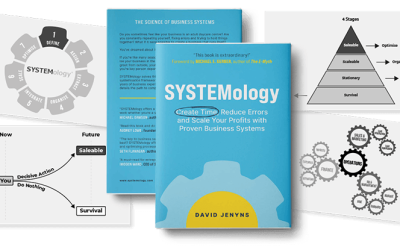
David Jenyns’ SYSTEMology book walks through the complete process, from defining your critical client flow to building a culture where systems get followed without you having to police them.
SOP Writing FAQ
How long should an SOP be?
As long as it needs to be, no longer. Simple tasks might only need a few bullet points and a short video. Complex processes might need several pages. If your SOP feels too long, consider breaking it into smaller, focused procedures. The goal is usability, not comprehensiveness.
Who should write SOPs in a business?
The knowledgeable worker who does the task best provides the expertise. A Systems Champion or designated documenter handles the writing. This two-person approach keeps SOPs accurate and followable. For more on the Systems Champion role, see the Systems Champion book.
What’s the difference between an SOP and a workflow?
SOPs are step-by-step instructions for specific tasks. Workflows show how different SOPs connect and hand off to each other. Most businesses need both: SOPs for individual tasks, and workflows to show how those tasks fit into the bigger picture.
How often should SOPs be updated?
Review annually or when processes change significantly. New hires are a great testing opportunity. Fresh eyes spot gaps that experienced team members have long since stopped noticing. Avoid constant tinkering, though. Frequent changes create confusion and erode trust.
What’s the fastest way to create an SOP?
Record the knowledgeable worker performing the task, transcribe the recording, and use AI to generate a structured first draft. Then review and refine with the person who did the work. What used to take a full day now takes under an hour.
How do I get my team to actually follow SOPs?
Start with the willing, not the resistant. Make the SOP easier to follow than the old way of doing things. Celebrate wins when people use procedures correctly. Build outward from early adopters. Forcing adoption across the whole team at once rarely works. For more on building systems culture, check out the SYSTEMology free resources.
Do I need special software to manage SOPs?
You need a central, searchable place to store them. Scattered documents across shared drives and email threads get ignored. A dedicated systems management platform like systemHUB makes SOPs findable at the point of need, which is the single biggest factor in whether they get used.