What if you could pull a process out of your head and into a finished SOP before lunch?
Most business owners stall at the same spot. They know they need to document their processes, but the blank page wins every time. Six months later, the team is still asking the same questions.
Here’s the good news. You can document SOPs with AI in the time it takes to drive between two job sites. No typing, no formatting, no overthinking. Just a voice memo, a transcript, and an AI assistant doing the heavy lifting.
This guide walks you through the exact method.
Key Takeaways
- Voice memos are faster than typing, especially for hands-on or mobile work
- Modern AI assistants turn a two-minute recording into a structured SOP draft in seconds
- A published draft beats a perfect SOP that lives only in your head
- This method lets team members capture processes from the field, not just the office
Why writing SOPs from a blank page rarely works
The blank page is the bottleneck. It’s slow, it feels like homework, and it forces you to think and write at the same time.
Talking is different. Talking is what you already do all day. When a new team member asks how something works, you explain it in plain language. That conversation is your SOP. You just need a way to capture it.
Skip the blank-page tax.
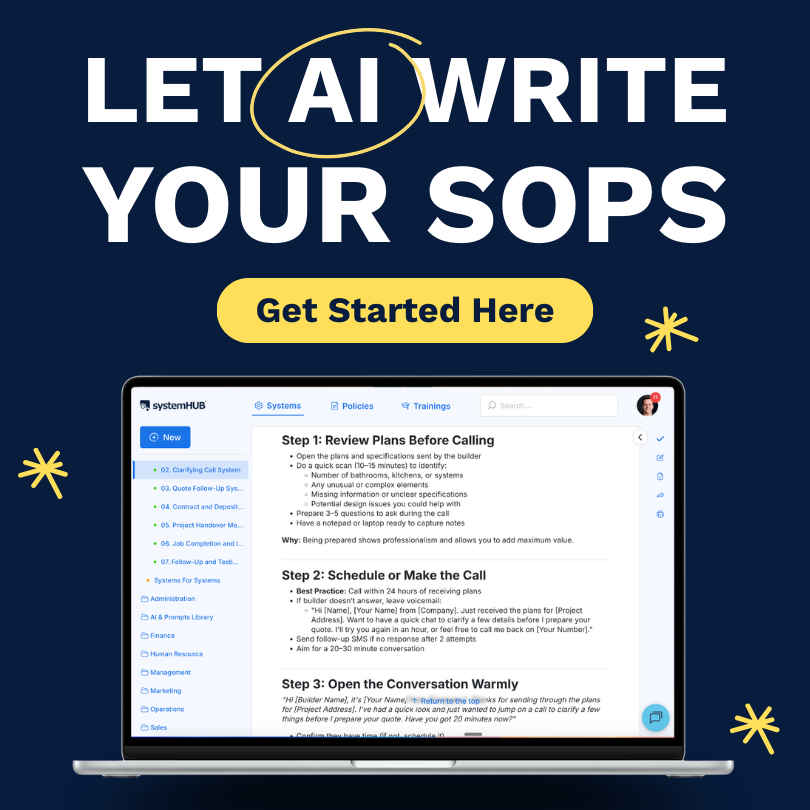
systemHUB has AI assistants built in that turn voice memos and rough notes into ready-to-publish SOPs.
The voice memo method, step by step
Here’s the process. The same method works whether you run a plumbing crew, a law firm, or a marketing agency.
1. Record the process as a voice memo
Pick a process you run regularly. Something simple to start with. Open the voice memo app on your phone (it comes built in on iPhone and Android) and hit record.
Talk through what the process is, why it matters, what triggers it, and the steps from start to finish. Don’t script it. Don’t worry about being polished. Imagine you’re explaining it to a new hire sitting next to you in the truck.
2. Grab the transcript
Most modern voice memo apps transcribe automatically. Open your recording, find the transcript view, and copy the text. If your app doesn’t have transcription, free tools like Otter or Descript handle it in under a minute.
3. Send it to an AI assistant in systemHUB
Inside systemHUB’s AI tools, open the assistant called Draft a process from scratch. Tell it what your business does, paste in the transcript, and let it work.
Within seconds, you’ll get a clean draft with a title, overview, trigger, numbered steps, and supporting notes. It’s not perfect, but it’s miles ahead of where you’d be after an hour of typing.
4. Publish your draft system
Create a new system in systemHUB, paste in the AI-generated draft, and hit publish with a needs review flag. Your team can now see it, follow it, and suggest improvements. The first version is rarely the final version, and that’s the point.
How much is it costing you NOT to systemise?
Use our free Cost of Chaos Calculator to put a dollar figure on the time, mistakes, and missed growth your business loses every year without documented systems.

Common mistakes to avoid
A few traps catch people the first time they try this method.
- Trying to capture every edge case in version one. Stick to the most likely path. The blue sky version of the process. Edge cases get added in later revisions, not the first draft.
- Recording in a noisy environment. Wind, traffic, or background music will wreck your transcript. Find a quiet spot or pop in earphones with a built-in microphone.
- Treating the AI draft as final. AI gets you most of the way there, but a team member (often your Systems Champion) still needs to check the steps, add screenshots where useful, and confirm everything matches reality.
From one process to a full system library
Once you’ve done one, the same method works everywhere.
Imagine tradespeople recording voice memos between jobs, salespeople capturing their call process right after a close, your office admin documenting reports as they run them. Each recording becomes a transcript. Each transcript becomes a draft. Each draft becomes a working SOP.
Kane at PorterVac, a roofing gutter cleaning business, took this idea even further. To capture processes that happen two stories up in the air, he strapped a GoPro to his head and followed the trades around.

Safety checks, client conversations, equipment setup, all recorded in raw, unfiltered video. That footage became the foundation for an entire SOP library. You can see more examples like this in the Systems Champion case studies.
The format matters less than the habit. Voice, video, screenshare, whatever fits the job.
Frequently Asked Questions
How long does it take to document an SOP this way?
For a simple process, around five to ten minutes total. A two to three minute recording, a few seconds for the AI to draft, and a quick review before publishing.
Do I need systemHUB to use this method?
The voice memo and AI steps work with any tool. systemHUB’s built-in AI assistants and templates make the workflow faster, but you can paste a transcript into ChatGPT and store the result in any documentation platform.
Make a start today
The fastest way to document SOPs with AI is to stop typing and start talking. The tools have caught up. Your team is waiting for the playbook.
Pick one process today. Record a voice memo on your way home. See how much you can get out of your head before dinner.
Ready to document your first SOP with AI?
systemHUB gives you AI assistants, templates, and a central home for every process in your business.